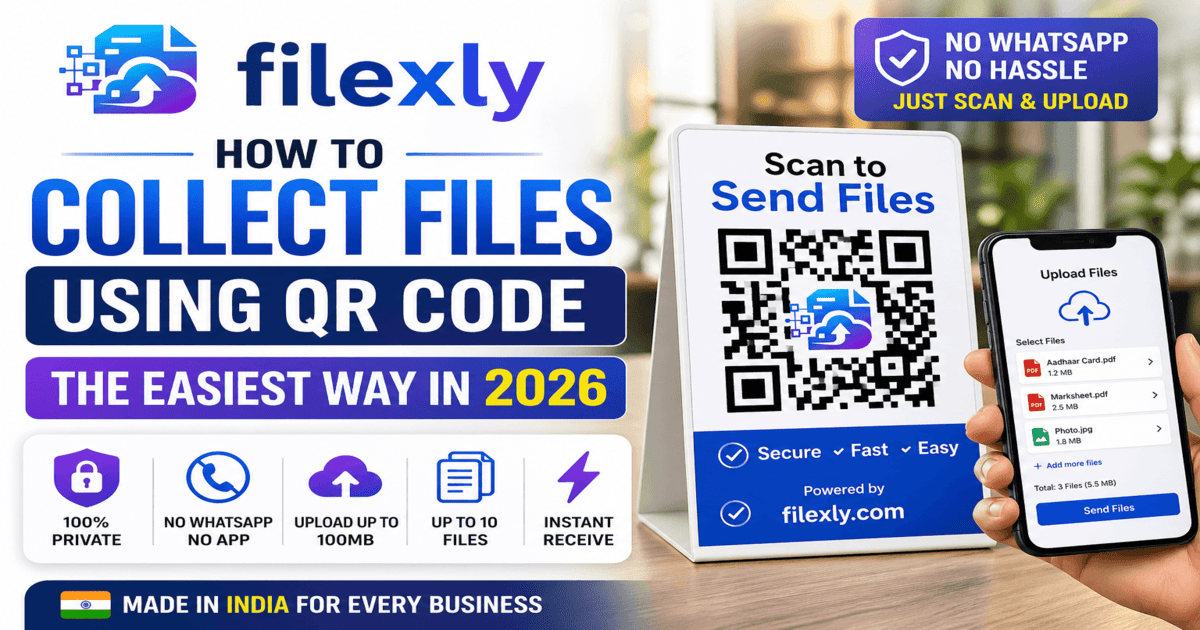
Want to collect files using QR Code? Filexly lets any shop or business receive PDFs and documents instantly — no WhatsApp, no app download needed.
Introduction: File Collection Has a Problem
Every day, thousands of shopkeepers, office workers, and service providers face the same frustrating situation:
“Send me the file on WhatsApp.”
This one sentence has become the default — and it comes with real problems: privacy concerns, cluttered phone galleries, unsaved contacts, and wasted time.
There is now a smarter solution. You can collect files using a QR Code — no WhatsApp, no USB, no email login on a shared computer. Just scan and upload.
The tool that makes this possible is called Filexly.
What Does ‘Collect File Using QR Code’ Mean?
The concept is simple:
1. You generate a unique QR code from your Filexly dashboard.
2. You display that QR code at your counter, desk, or reception.
3. A customer or visitor scans the QR code with their phone camera.
4. A simple upload page opens — they select their file and tap Send.
5. The file appears on your dashboard instantly.
That is it. No app installation, no login, no WhatsApp number sharing. Just a clean, fast file transfer.
Why QR Code File Collection Is Better Than WhatsApp
Privacy is Protected
Customers — especially women — are uncomfortable sharing their personal number with a stranger at a shop. With Filexly, they never have to. They just scan and upload.
Your Phone Stays Clean
No more random documents flooding your WhatsApp gallery. All received files go directly to your Filexly dashboard — organized, preview-ready, and downloadable on your PC.
Works on Any Phone
Filexly is 100% browser-based. Customers do not need to install anything. It works on Android, iPhone, or any smartphone with a camera and internet.
Supports Large Files
You can receive up to 10 files at once, with a total upload limit of 100MB — more than enough for high-resolution PDFs, Aadhaar cards, certificates, and photos.
Who Can Use QR Code File Collection?
Filexly is built for any business or individual that needs to receive files from customers or clients:
→ Cyber Cafes – Receive print files without WhatsApp
→ CSC Centers – Collect documents for government applications
→ Hotels & Guest Houses – Receive ID proof and booking documents
→ Hospitals & Clinics – Accept patient reports and prescriptions
→ Print Shops – Get files for printing professionally
→ Freelancers & Consultants – Accept client documents without email hassle
Free Plan vs Pro Plan
Free Plan (₹0/month): 4 QR Codes, 100MB upload limit, auto-delete after 24–48 hours
Pro Plan (₹29/month): 30 QR Codes, Telegram notifications, branded customer screen with your shop name and verified badge
How to Start — It Takes 2 Minutes
1. Visit filexly.com
2. Create a free account
3. Generate your QR code from the dashboard
4. Display it at your counter (print it or show on screen)
5. Start receiving files instantly
Conclusion
Collecting files using QR Code is no longer a luxury — it is the professional standard. Filexly makes this available for free, for any business in India.
Stop asking for WhatsApp numbers. Start using Filexly today.