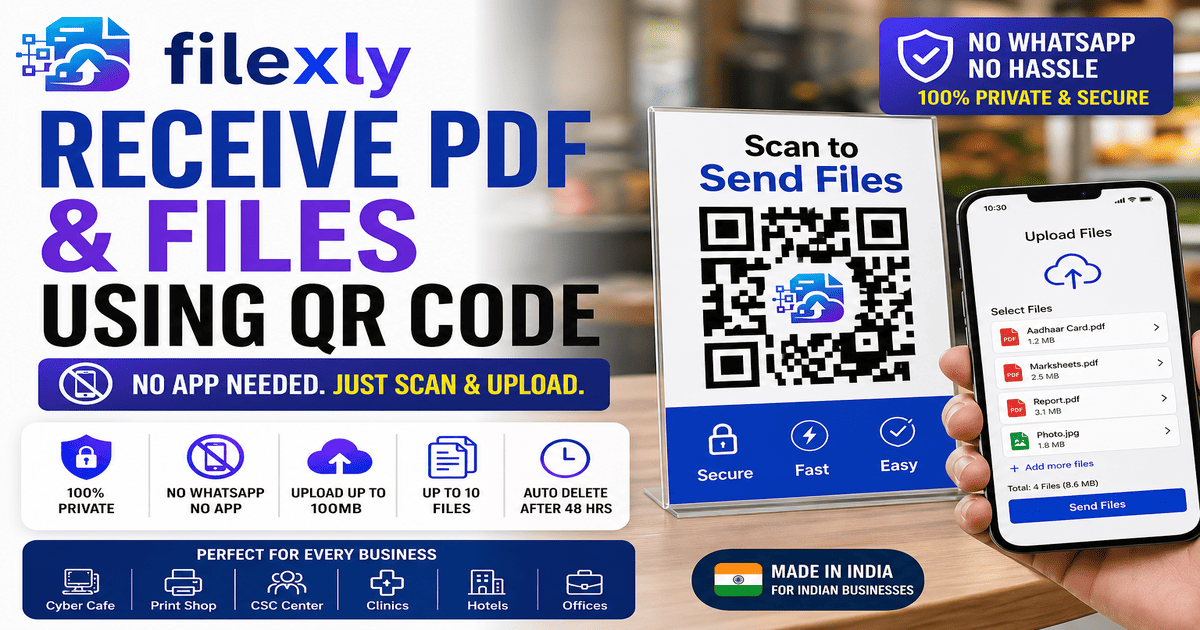
Learn how to receive PDF and files using QR Code instantly. Filexly is the free tool that lets customers upload files to your dashboard with a single scan.
The Problem With Receiving Files Today
If you run a shop, office, or service center, receiving a file from a customer means one of these options:
→ Ask them to send it on WhatsApp (privacy issue + clutter)
→ Ask them to log in to their email on your computer (security risk)
→ Ask them to bring a USB drive (old, slow, inconvenient)
→ Ask them to use Bluetooth (unreliable and slow)
None of these are professional. None of them are fast. And none of them protect the customer’s privacy.
There is a better way: receive PDF and files using QR Code with Filexly.
What is Filexly?
Filexly is a free, web-based file receiving tool designed for Indian small businesses. It works like this:
You display a QR code at your counter. A customer scans it. An upload page opens on their phone. They select their PDF, photo, or document and tap Send. The file lands in your dashboard — instantly.
No WhatsApp. No app download. No login required from the customer’s side.
Step-by-Step: How to Receive a PDF Using QR Code
Step 1 — Sign Up on Filexly
Go to filexly.com and create a free account. Takes less than 2 minutes.
Step 2 — Generate Your QR Code
From your dashboard, create a QR code for your shop or counter. You can create up to 4 QR codes on the free plan, and up to 30 on the Pro plan.
Step 3 — Display the QR Code
Print the QR code and stick it at your counter, or display it on your shop monitor. You can also use Filexly’s physical NFC/QR stand product for a more professional setup.
Step 4 — Customer Scans and Uploads
The customer opens their phone camera, scans the QR code, and a mobile upload page appears. They select their PDF or file and tap Send. Done.
Step 5 — Download From Your Dashboard
The file appears instantly in your Filexly dashboard. You can preview it, download it, or send it to print directly.
What File Types Can You Receive?
Filexly supports all common file types:
→ PDF documents (Aadhaar, certificates, forms, reports)
→ Images (JPG, PNG, HEIC from iPhone)
→ Word documents (DOCX)
→ Any file up to 100MB total per upload session
Is There an App to Install?
No — and that is the point. Neither you nor your customer needs to install any app. Filexly works entirely in the browser. This makes it fast, universal, and zero-friction for customers.
Filexly vs WhatsApp for File Receiving
WhatsApp: Requires number sharing, compresses image quality, clutters your phone, mixes work with personal messages.
Filexly: No number sharing, original file quality, separate professional dashboard, auto-deletes files after 48 hours for privacy.
Conclusion
If you want to receive PDF and files using QR Code — for free, without any app, and without WhatsApp — Filexly is the answer.
Start your free account at filexly.com and receive your first file in under 5 minutes.